> ## Documentation Index
> Fetch the complete documentation index at: https://docs.sprello.ai/llms.txt
> Use this file to discover all available pages before exploring further.
# Generating and reviewing results
> Run a workflow, watch it generate, and review what it produced.
Once your nodes are connected, you run the workflow to generate. Results land on the canvas, where you can review, compare, and refine them without losing earlier work.
## Run a workflow
There are a few ways to start a generation:
* **Run a single node** to generate just that node and what it depends on.
* **Run the whole workflow** with the **Run Workflow** button—the play button in the top right—to produce everything downstream of the [Trigger](/nodes/trigger).
If a node you run depends on others that haven't generated yet, Sprello tells you which ones need to run first and offers to run them for you.
## Watch it work
Each running node shows its progress, and results stream in as they finish. Large sets generate a few at a time and the rest queue, so a big batch fills in over several waves.
## Review results
Your results appear on the node that produced them. When a node generated more than one, a navigation bar lets you step through them; open any result larger to inspect detail, or download it.
Not quite right? Adjust the prompt, swap the model, or change a reference, then run again. Your previous results stay on the canvas, so you can compare directions side by side instead of starting over.
## When inputs change
If you change an input after generating—remove an image, edit a line of text—the results that no longer apply are cleared automatically, and anything still valid is kept. Nothing regenerates on its own; you decide when to run again.
## Run history
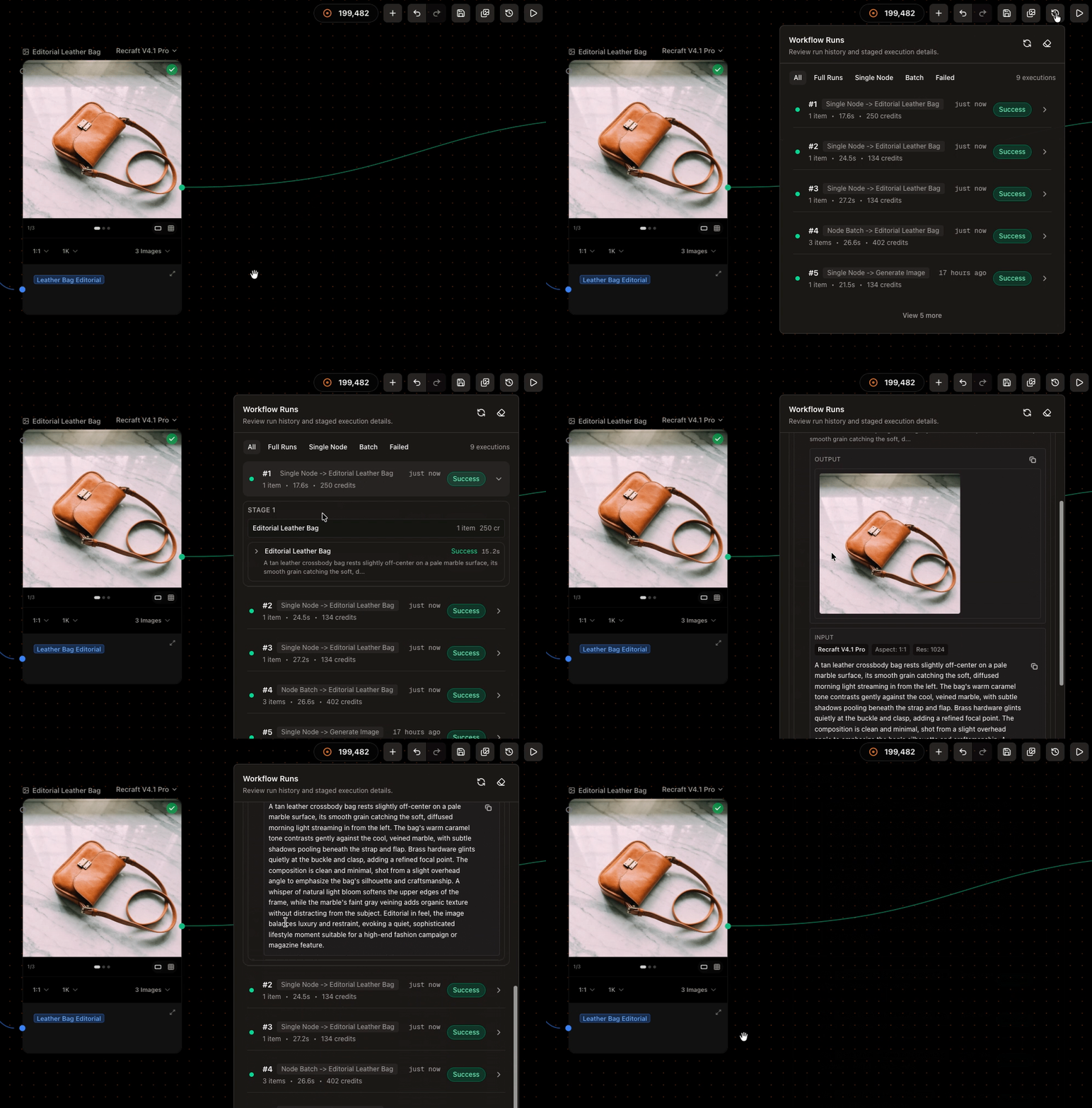
Every run is recorded. Open a workflow's runs to see what happened on each one—its inputs, outputs, and details—so you can trace how a result was made or revisit an earlier batch.
 ## Next
Match the model to the result you want.
Save generations into collections by product or campaign.
## Next
Match the model to the result you want.
Save generations into collections by product or campaign.