

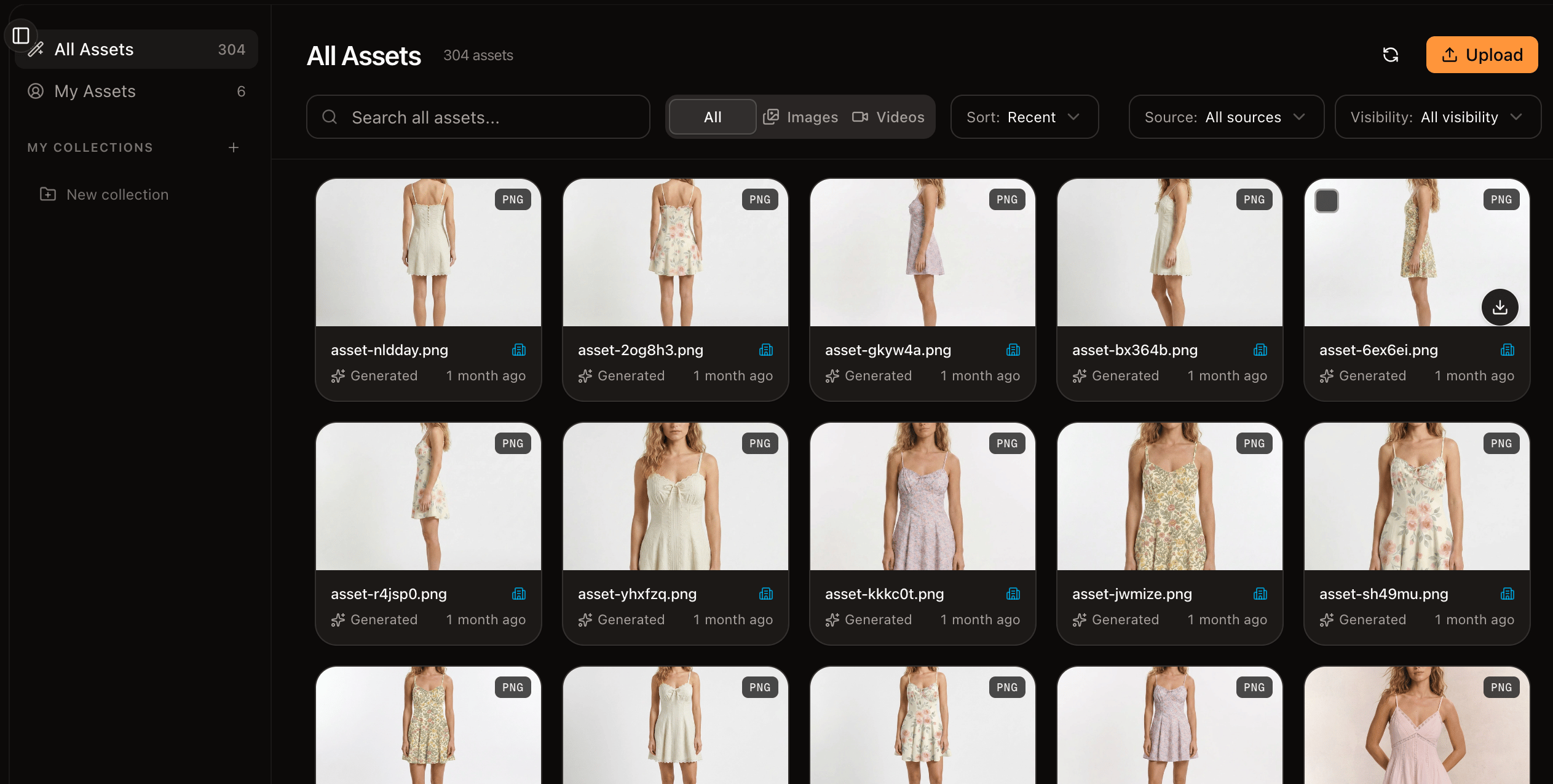
The asset library
Find what you need
- Views — switch between All, Mine, Generated, Uncollected, or a specific collection.
- Filter by type — show all assets, just Images, or just Video.
- Search — search within the current collection or across the whole workspace.
- Sort — by most recent or by name.
Add assets
- Upload images or video from your computer.
- Generations save automatically. Anything you create on the canvas appears in the library, marked as generated.
Work with an asset
Open an asset to see its details, rename it, and add it to collections. Select several at once for bulk actions like deleting.Next
Collections
Group assets around products, seasons, and campaigns.
Use assets on the canvas
Bring library assets into a workflow as inputs.