

Add a library asset to a workflow
- From an input node, open its asset picker and choose images from your library or a specific collection. Search and filter to find the right one.
- Drag an asset onto the canvas, or paste it directly.
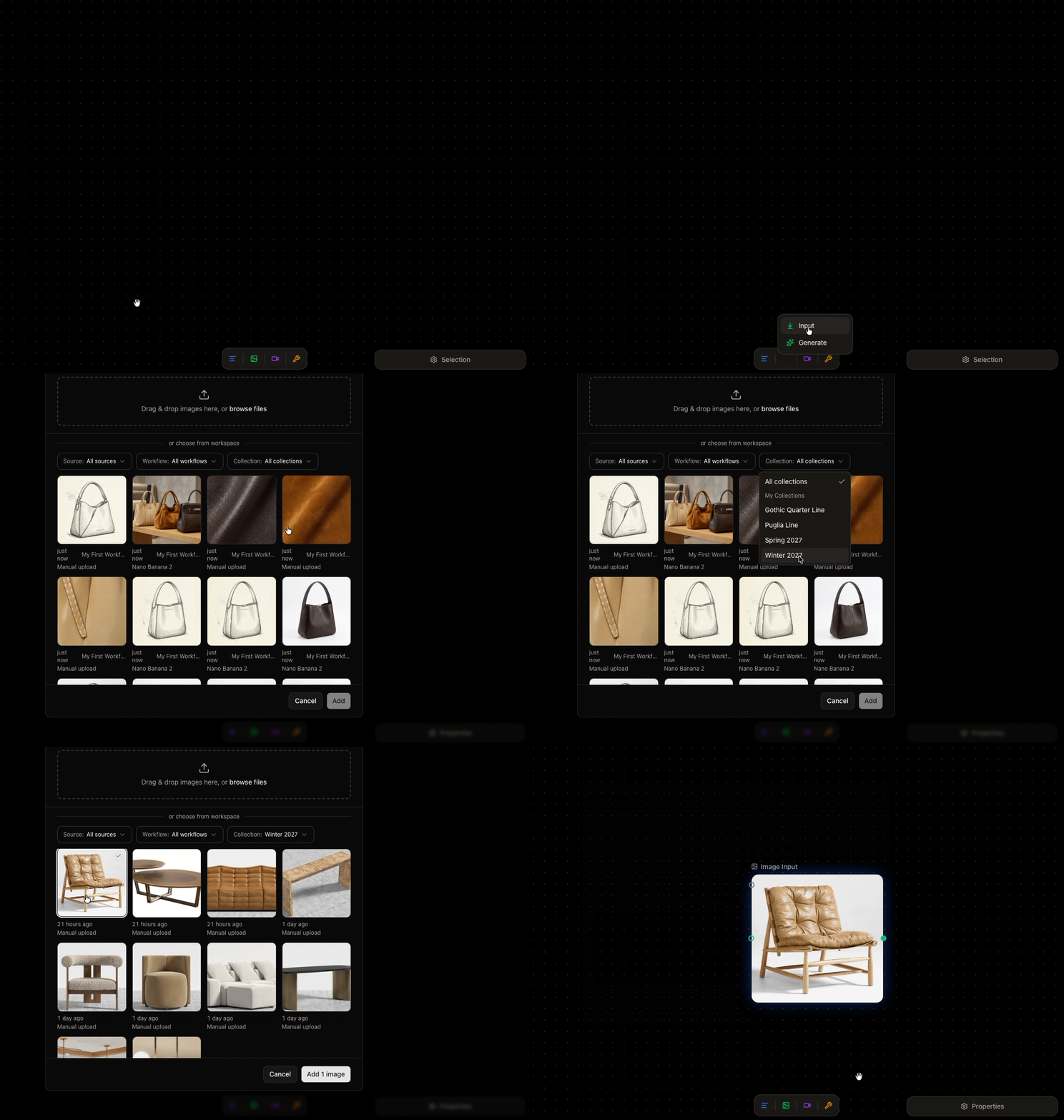
Picking an asset from the library to use as a reference
Sharing follows usage
Once an asset is used in a workflow, it’s accessible to everyone that workflow is shared with—so collaborators can run it without hunting for inputs. See sharing and visibility.Next
Generate and review results
Run your workflow and review what it produces.