

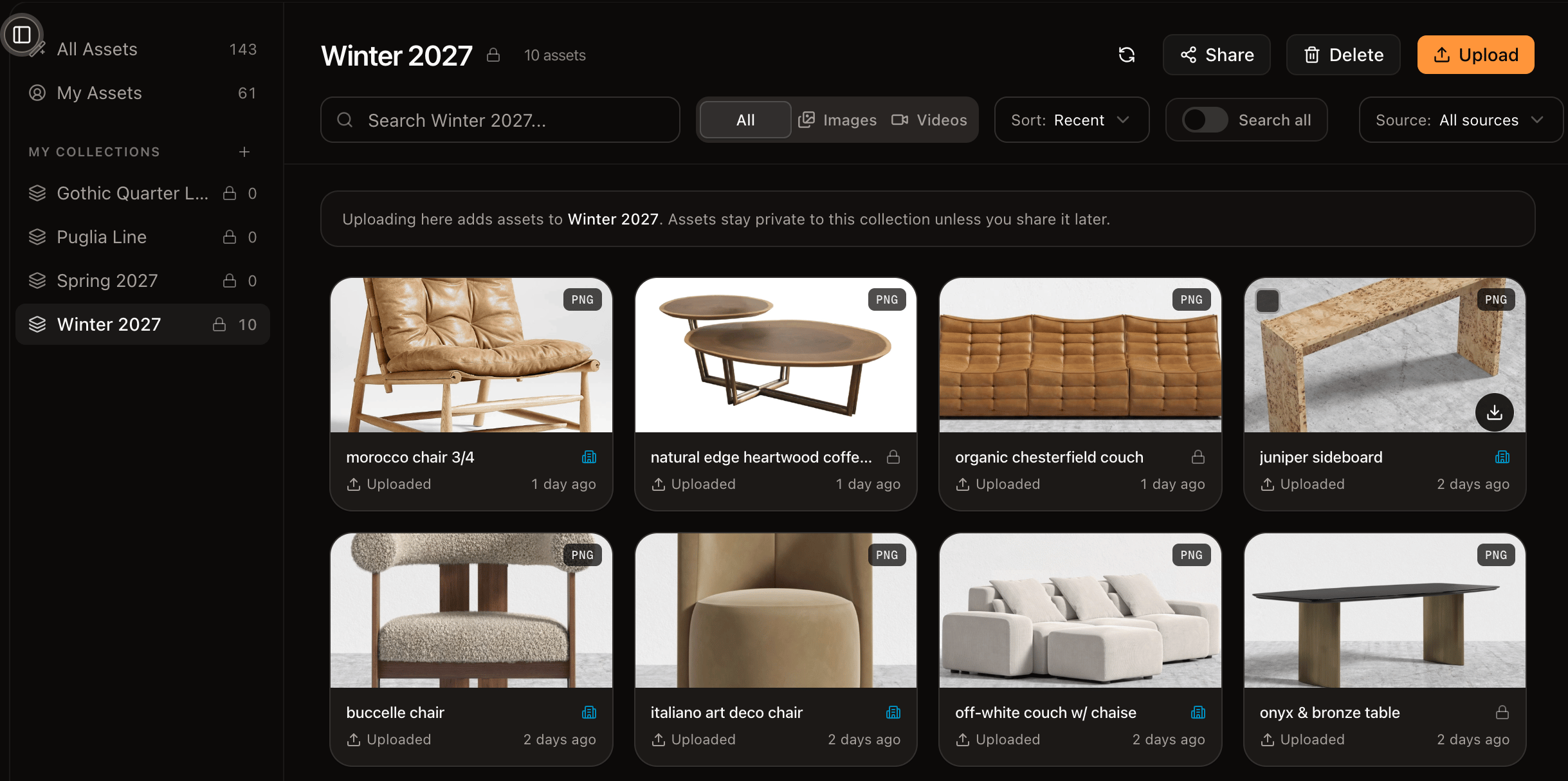
A collection gathers related assets in one place
Collections aren’t folders
An asset can belong to zero, one, or many collections at once. A single product render can live in “Spring 2026,” “Sneakers,” and a specific campaign at the same time. The question a collection answers isn’t “where does this file live?” but “what is this part of?”—which matches how creative teams actually think about their material.Work with collections
- Create a collection and give it a name.
- Add assets from the library, or while you work on the canvas.
- Rename or delete a collection. Deleting a collection doesn’t delete the assets inside it—they stay in your library.
Share a collection
Sharing a collection gives its audience access to every asset inside it. It’s the simplest way to hand a curated set—reference material, approved finals—to collaborators without exposing everything else. See sharing and visibility.Next
Sharing and visibility
Control who can see your collections and assets.