

Add text
Type directly into the node, or paste in a larger block. A Text Input can hold a single entry or many.Split a block into items
Paste a list and split it into separate items, so each one flows downstream on its own. Sprello can split by:- Numbered list
- Bulleted list
- Paragraphs (blank lines)
- A JSON array
- A custom delimiter you choose
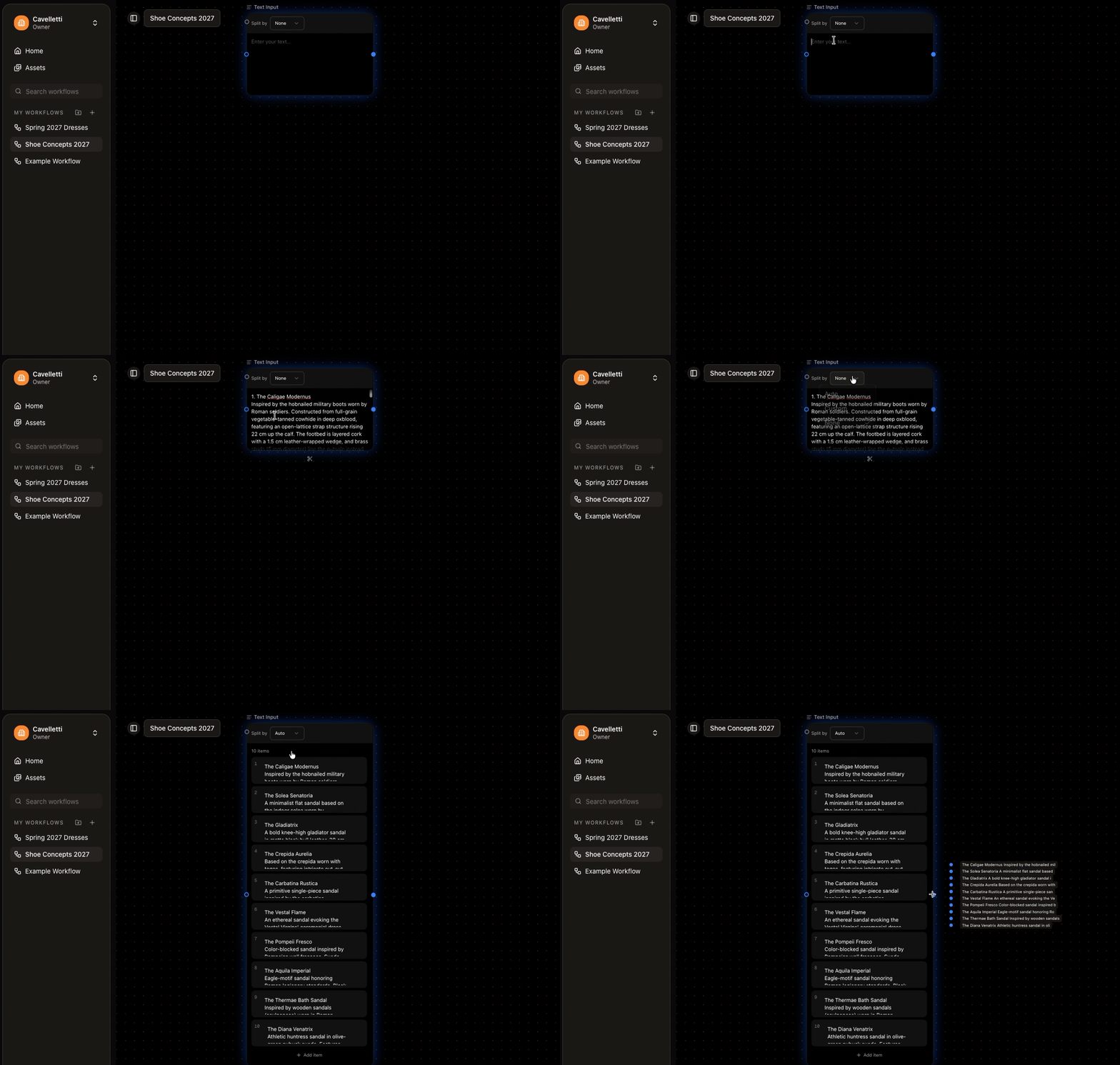
Splitting a block of text into separate items
Each or All
Use the Each / All toggle to decide how multiple entries behave: Each runs a generation per entry, All sends them together.Connect it
Connect a Text Input to a generator and it becomes part of that generator’s prompt, shown as a reference badge like@Product names. Write your own wording around the badge to shape the result.
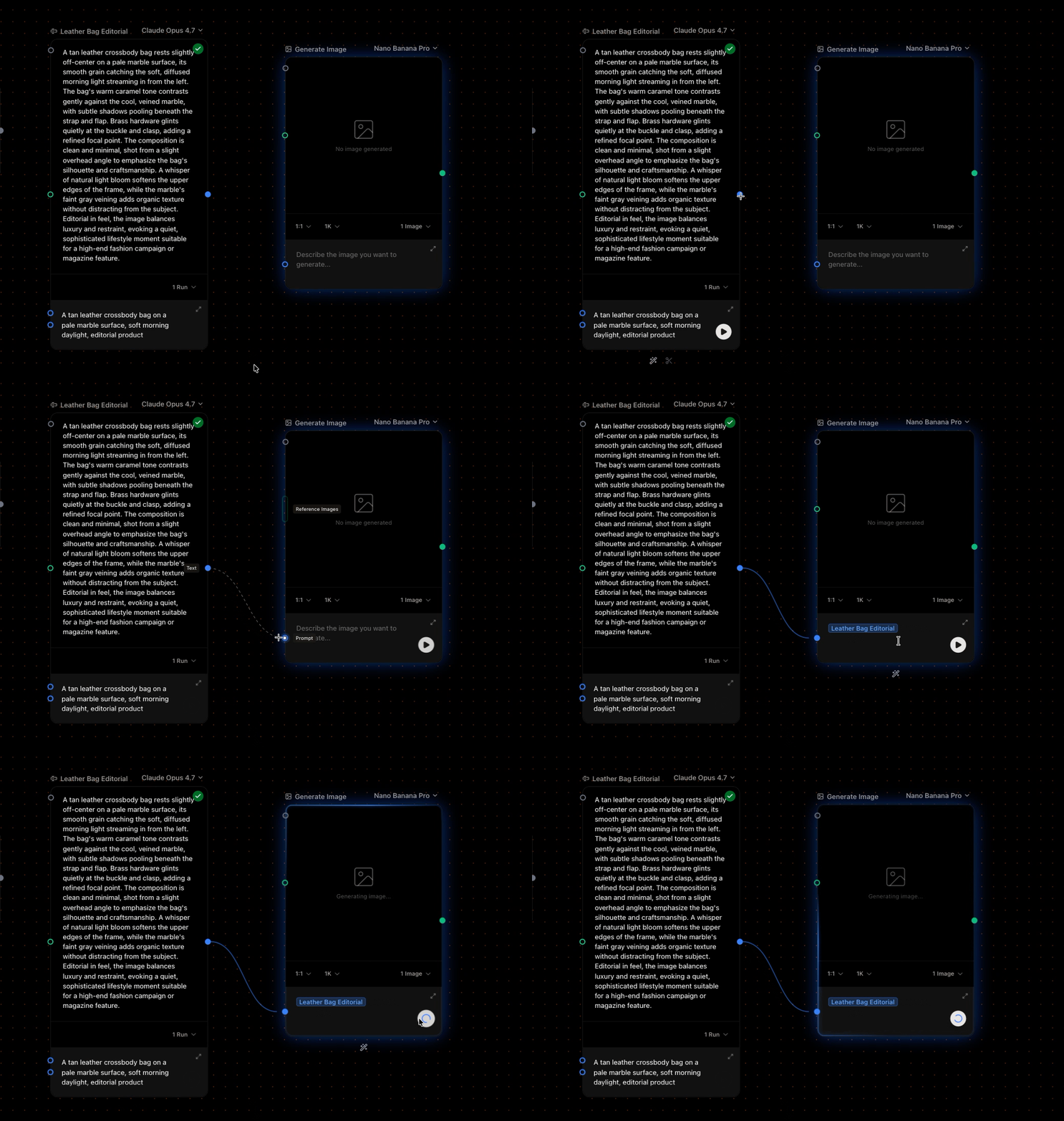
A Text Input feeding a generator's prompt