
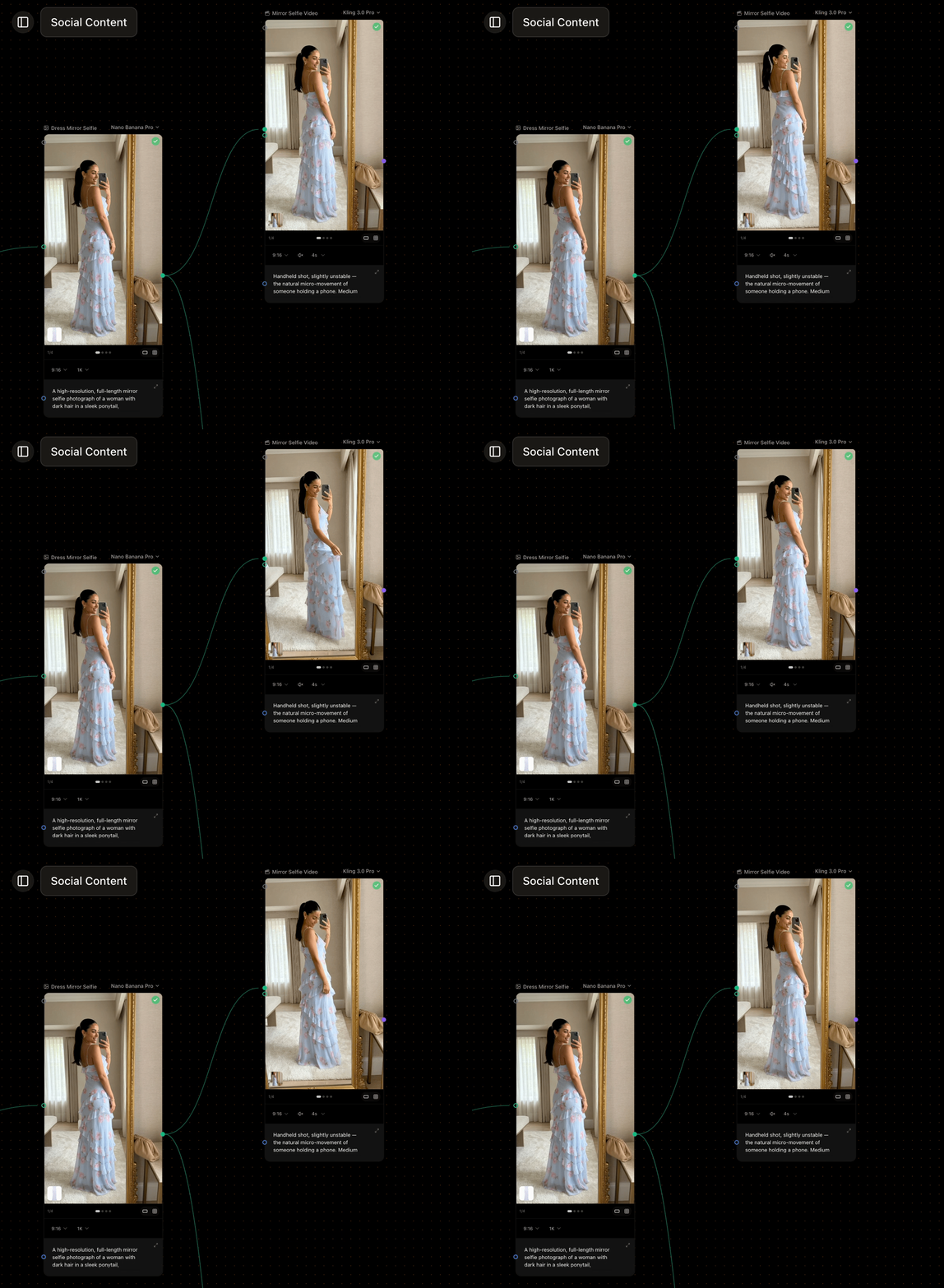
A short social video generated from a still
What it takes
- Prompt (required) — describe the motion, camera, and mood you want.
- Source image (optional) — connect an Image Input or a generated image to use as the clip’s starting frame. This is how you bring a still to life.
- End frame (optional) — some models let you set a final frame as well, and interpolate from the start frame to it. See video model capabilities.
- Reference clips (optional) — reference-to-video models accept reference videos, not just images, to guide motion and camera.
Settings
- Model — the video model that runs. See choosing a model.
- Duration — clip length; the supported range depends on the model (often a few seconds).
- Aspect ratio and resolution — the shape and size of the clip, where the model supports them.
- Audio — some models can generate sound; toggle it on when available.