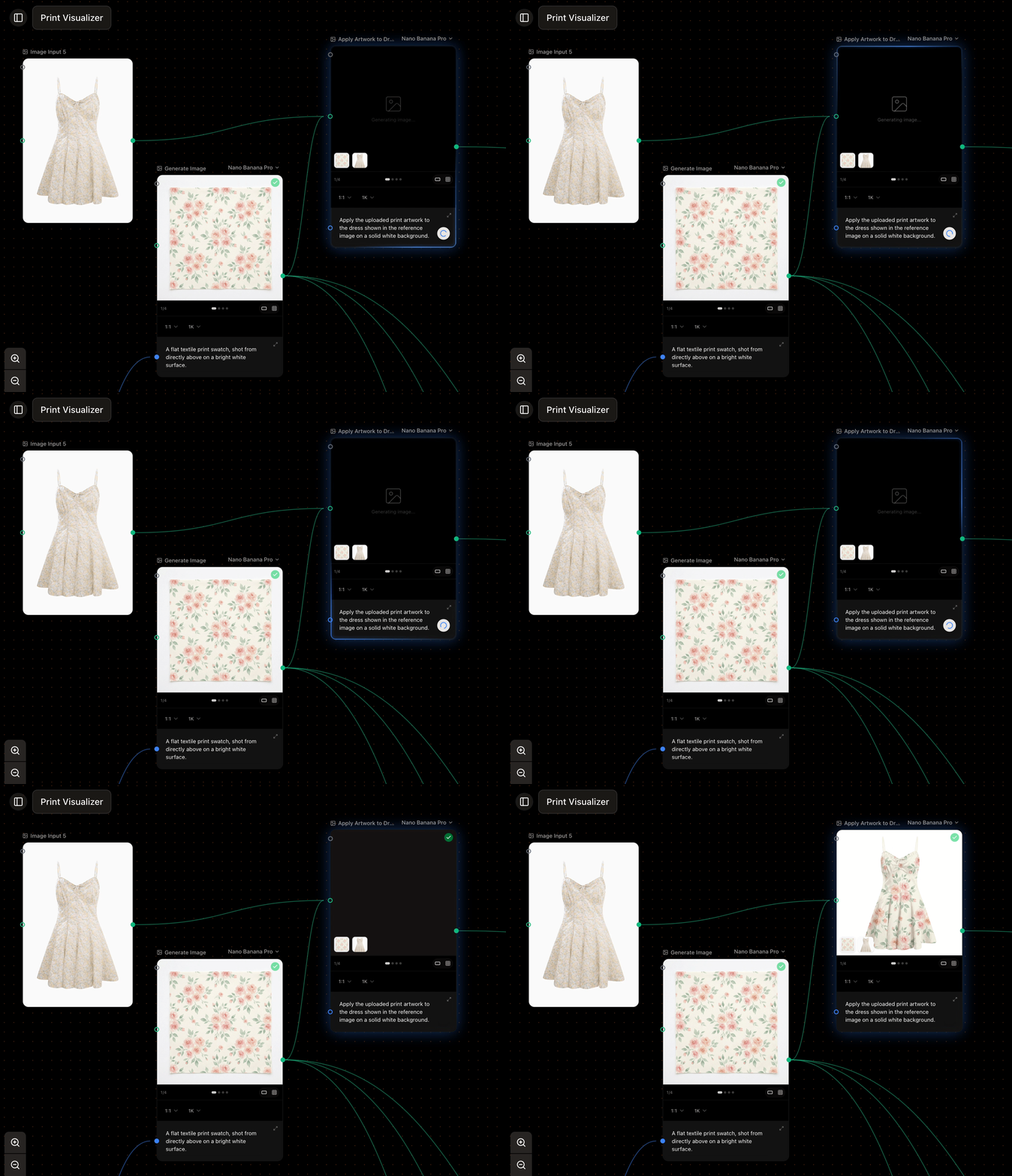
A studio product shot generated from a prompt and two references
What it takes
- Prompt (required) — what you want, in words. Connected Text Inputs appear here as references.
- Reference images (optional) — connect Image Inputs or other generations to guide style, subject, or composition. How many a model accepts varies—from none for text-only models to many for others. See connections.
Settings
- Model — the image model that runs. See choosing a model.
- Aspect ratio — the shape of the result; the options depend on the model.
- Number of results — generate up to four at once from the same prompt.
- Resolution and quality — available on models that support them.